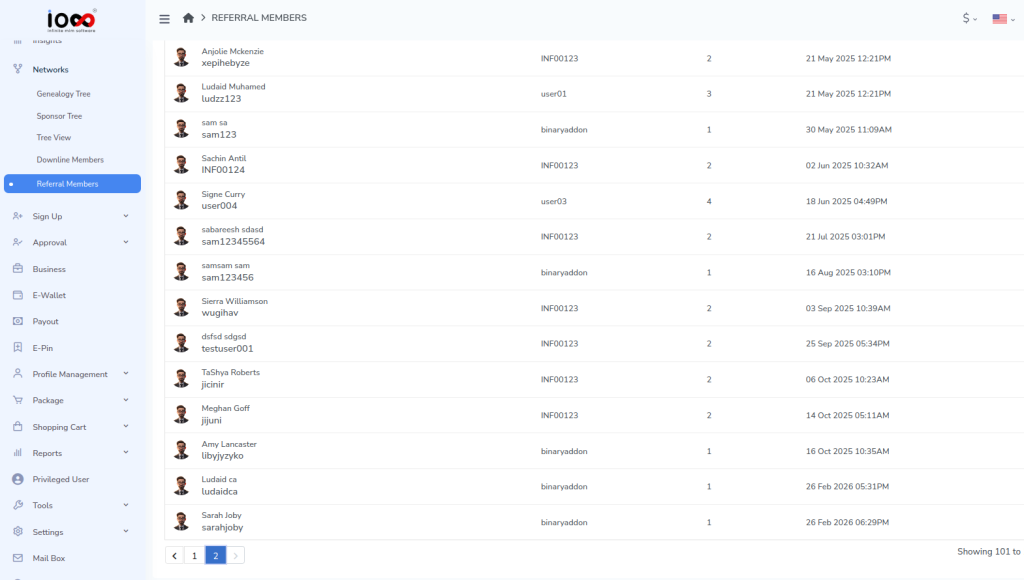
This feature allows you to view and manage members who join your network through referrals and see their placement by level.
Step 1: Click on your Replica Link, then click the Copy button.
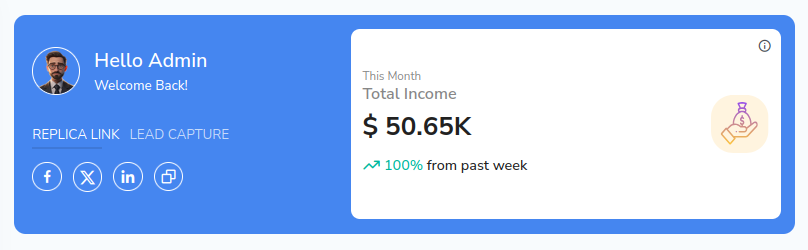
Step 2: Send the link to the member, or enter the details yourself. Click the link and you will be redirected to a page where you’ll see a Register button in the top-right corner. Click Register.

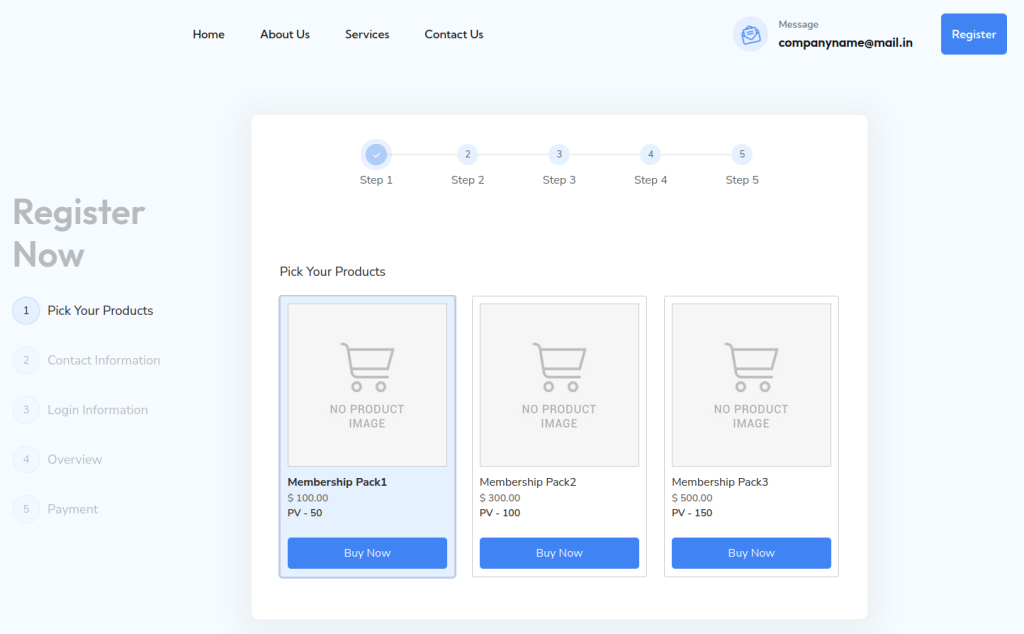
Step 3: On the redirected page, make a purchase. Select a product and click the Buy Now button.
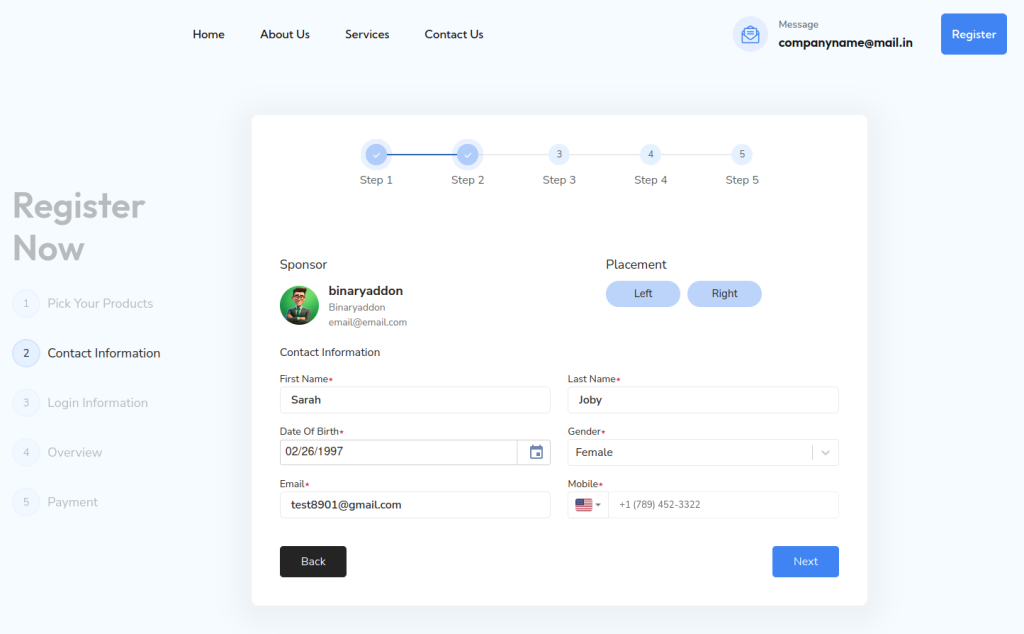
Step 4: Fill out the contact information and choose the placement (Right Leg or Left Leg). After entering all required details, click Next.
Step 5: Enter your login information. Set a username and password, then tick the Terms and Conditions box. Click Next.
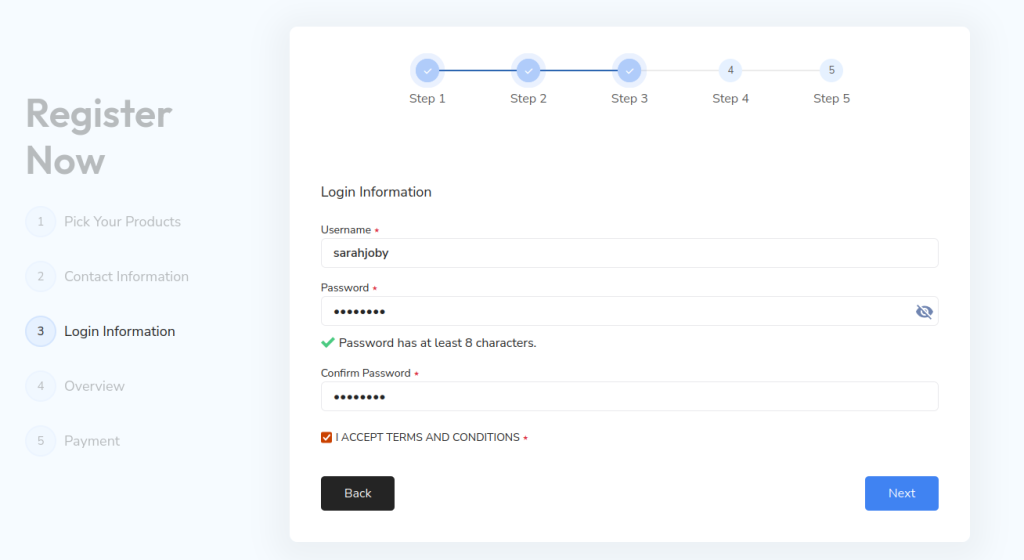
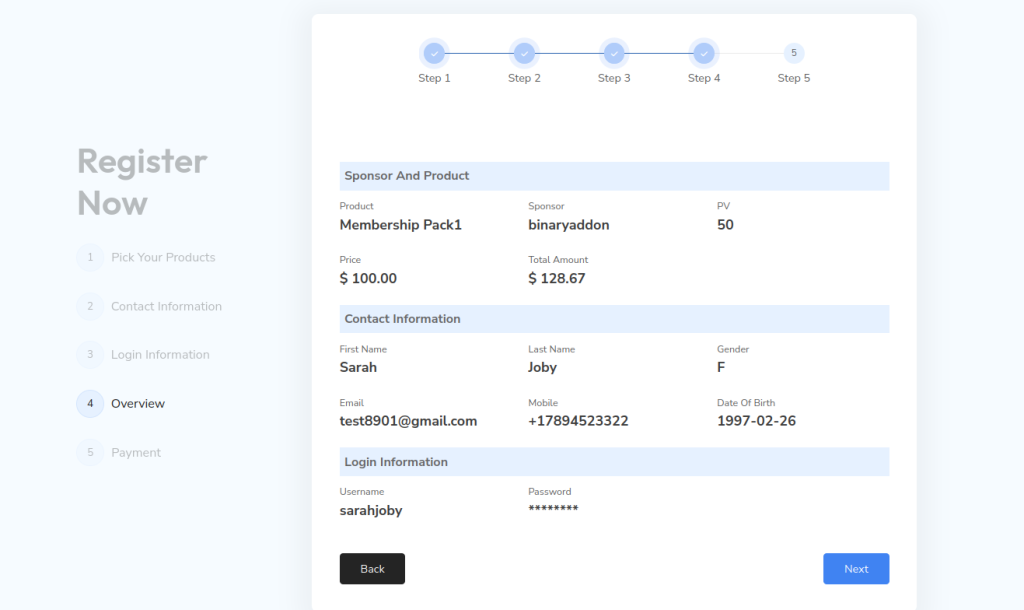
Step 6: Review all the information you entered. If everything is correct, click Next to proceed. If not, go back and make the necessary changes.
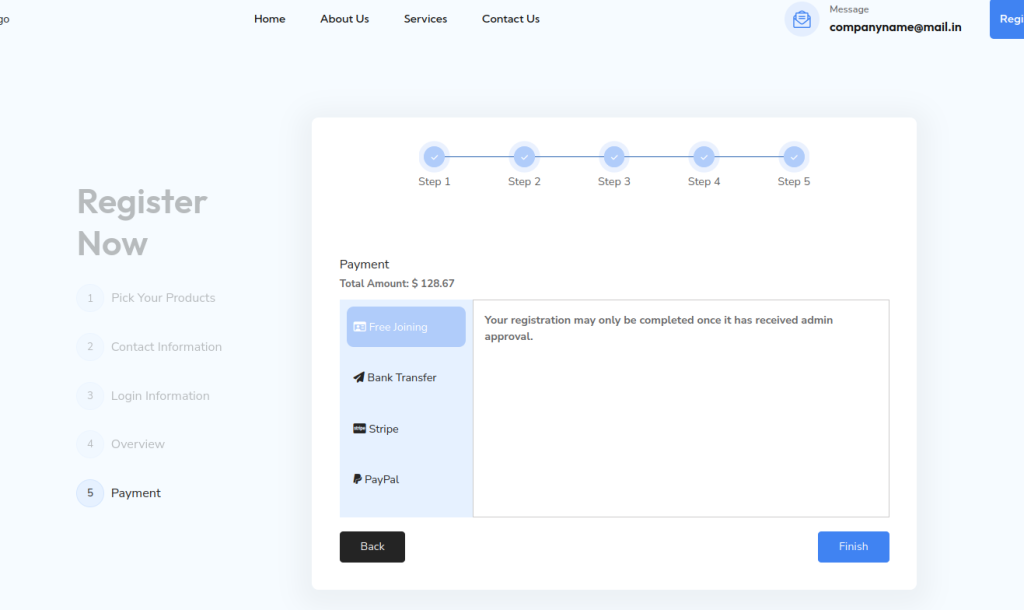
Step 7: Choose a payment method. You may select Free Joining, then click the Finish button. The request will be sent to the admin.
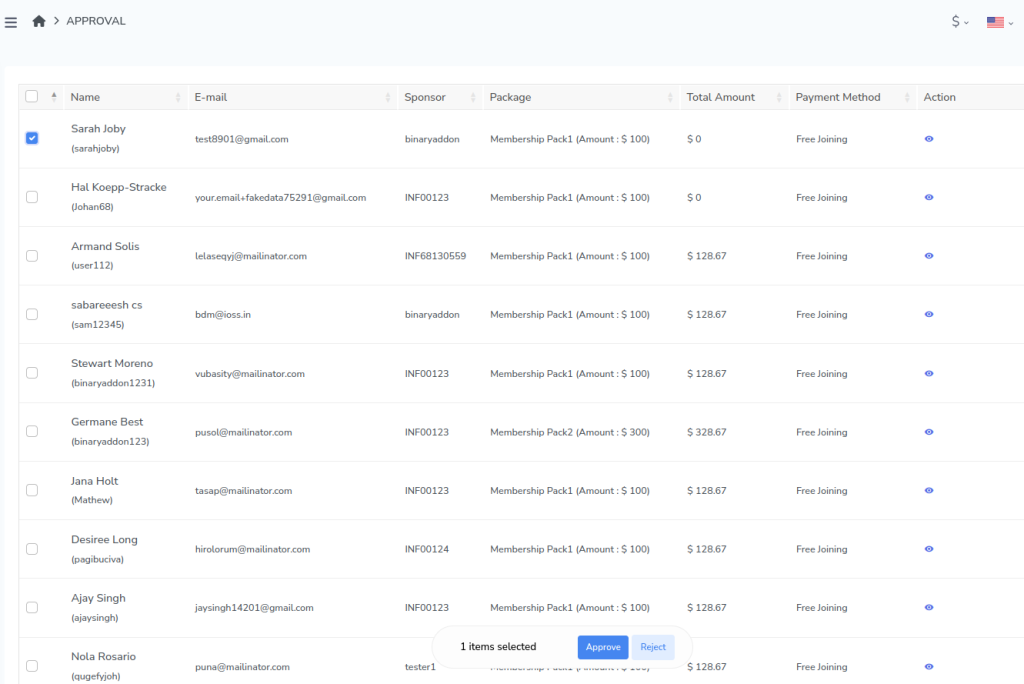
Step 8: To approve the member, go to Approval in the menu bar and select Registration Approval.
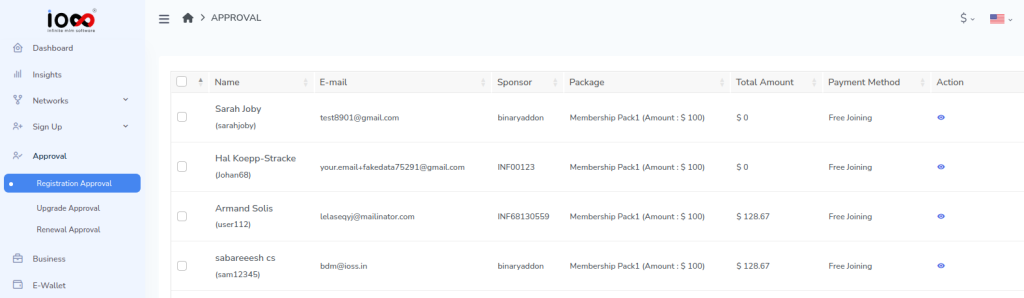
Step 9: Select the member and click the Approve button. The member will be added to the tree.
Step 10: You can view the newly added member in the Genealogy Tree under the Network section, as well as in the admin’s Referral Members List.