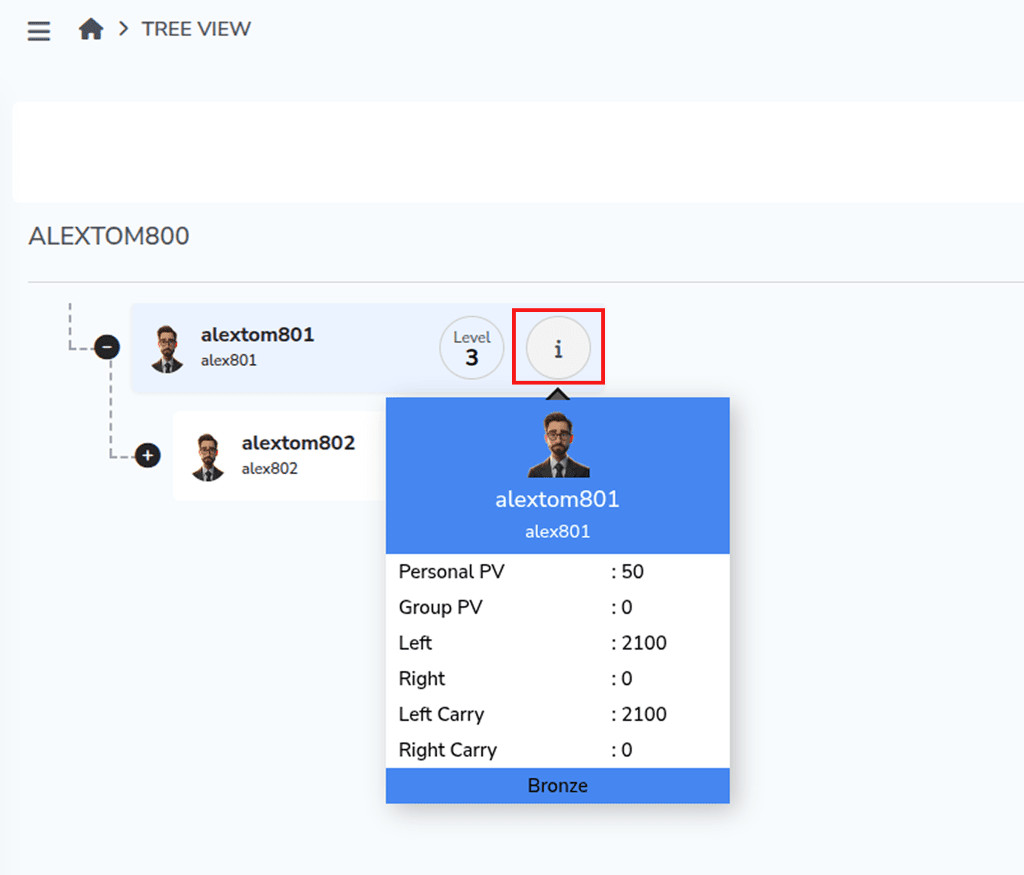
Tree View provides a visual, hierarchical representation of all members in your network. It allows you to easily explore the structure of your downline and track how members are connected across different levels.
How does it work?
Step 1: From the Dashboard, go to Network and select Tree View.
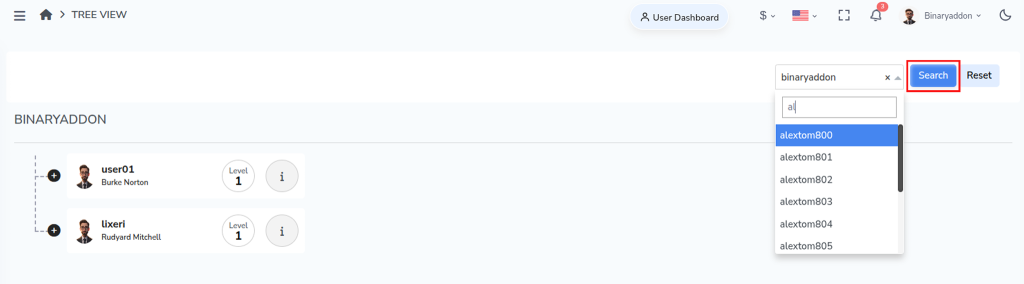
Step 2: Enter a Username and click Search. The system displays all downline levels under the selected user in a tree structure.
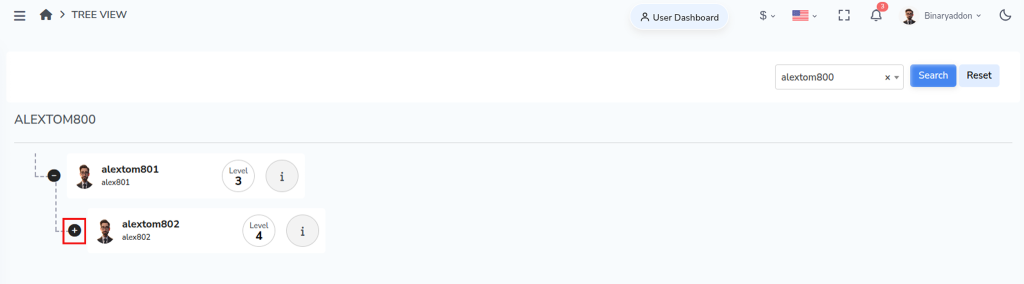
Expand the branches to navigate through each level of members.
Step 3: Hover over the “i” icon to view detailed information about a specific user.