
The E-Wallet Transactions section allows administrators to view and monitor all wallet-related transactions performed by users within the system. This includes both credit and debit entries, making it easier to track fund movements, verify transaction details, and investigate specific wallet activities when required.
Purpose
Use the E-Wallet Transactions page to:
- Track individual wallet transactions
- Monitor credited and debited amounts
- Review transaction history for specific users
- Investigate particular wallet entries
- Filter transactions based on category and date range
Steps to View the E-Wallet Transactions of a Particular User
Step 1: Open the E-Wallet Module
From the left-side navigation menu, click E-Wallet.
You will see the following sections:
- E-Wallet Summary
- E-Wallet Transactions
- E-Wallet Balance
- Purchase Wallet
- E-Wallet Statement
- User Earnings
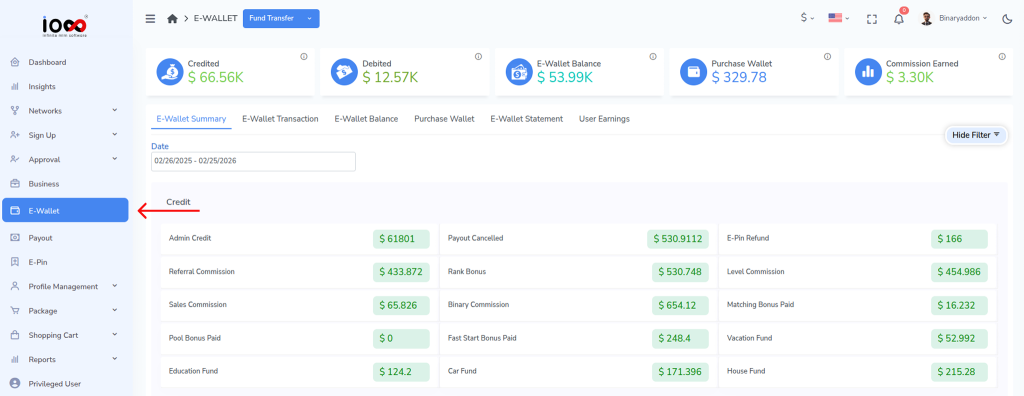
Step 2: Open E-Wallet Transactions
Click E-Wallet Transactions to access the transaction records page.
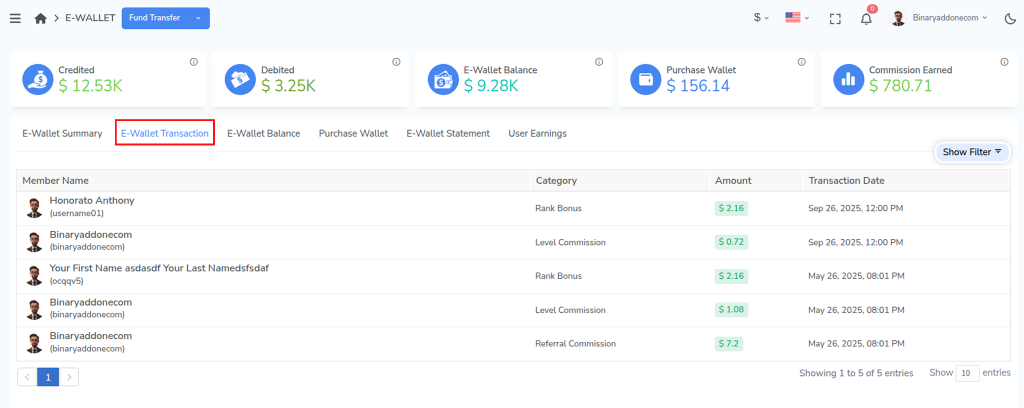
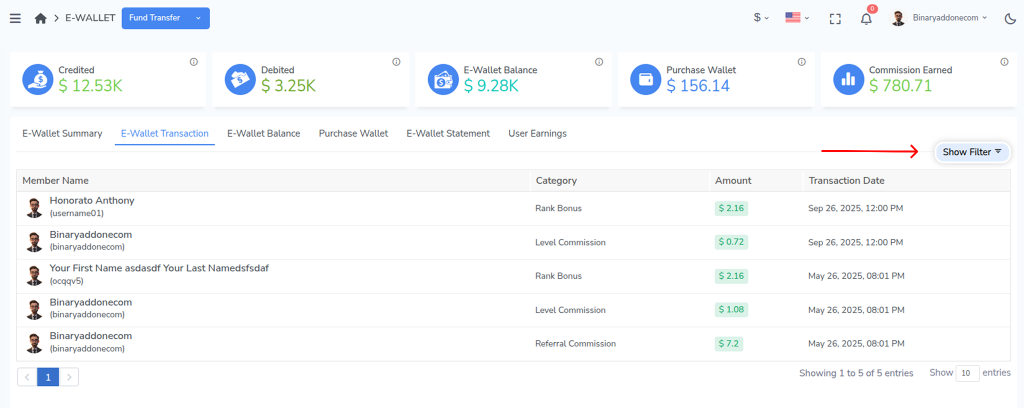
Step 3: Open the Filter Panel
Click Show Filter to display the available search options.
Step 4: Enter the Required Filter Details
Provide the necessary information to narrow down the transaction records.

- User Name
- Status (Credited or Debited)
- Category (for example, E-Pin Purchase, Fund Credit, Fund Debit, etc.)
- Date Range (All time, Last 30 days, Last 90 days, Last year, or Custom range)
Step 5: View the Transactions
Click View to display the transactions that match the selected filter criteria.
Step 6: Reset Filters (Optional)
Click Reset to clear all selected filters and return to the default transaction listing.

Result
The system will display the E-Wallet transactions of the selected user, including credits, debits, transaction categories, and transaction dates, allowing administrators to review wallet activity with greater accuracy and transparency.