
Creating a new account in Infinite MLM Software is quick and simple. Follow the steps below to set up your account and configure your preferred plan.
Step 1: After successfully registering in the MLM software through the registration link sent to your email, you will be directed to the software window.
Step 2: Choose your Compensation Plan from the given list and enter your phone number.
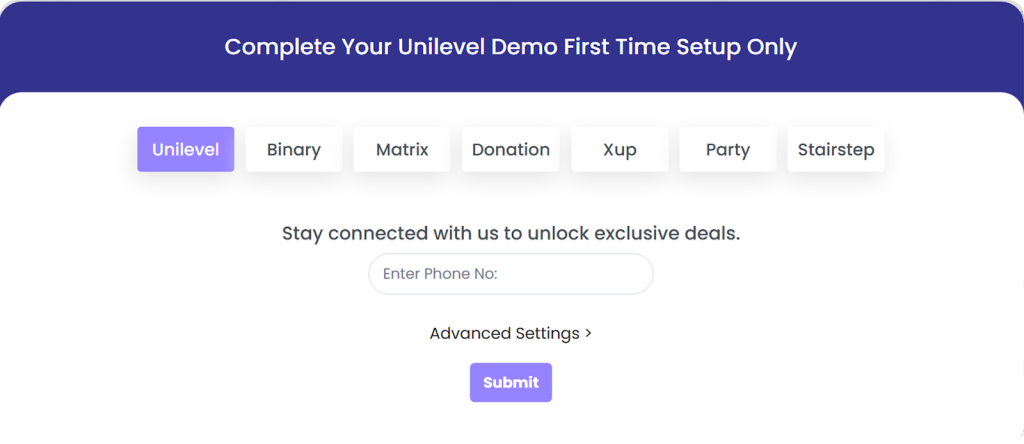
Step 3: After selecting the preferred plan, click on Advanced Settings. From here, you have the option to select:
- Registration Package
- E-pin
- Start Demo with Users.
- Advanced Add-ons and Features.
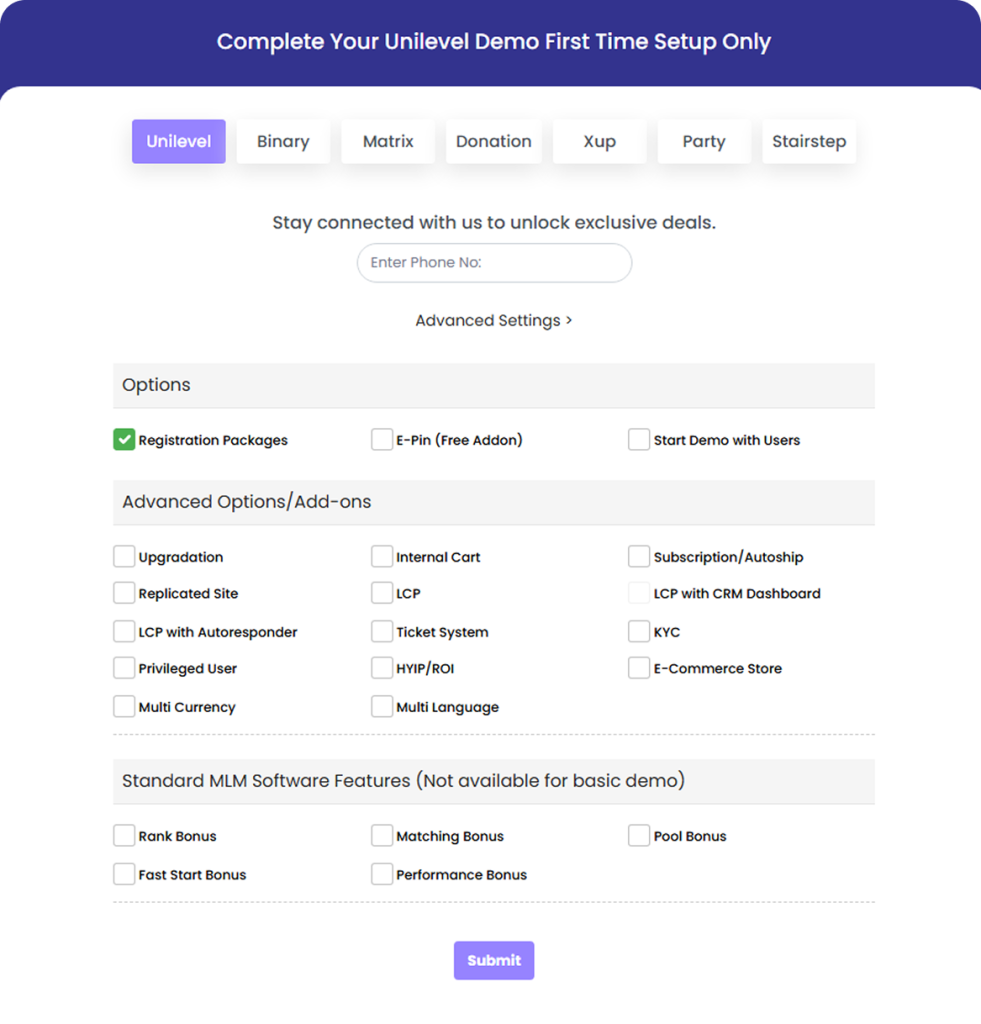
Step 4: Once you’ve finished configuring the settings according to your needs, simply click Submit. Our system will then customize the software to perfectly match your chosen plan.