
You can change the system currency directly from the dashboard interface by following the easy steps:
Step 1: Log in to your MLM dashboard using your credentials.
Step 2: Locate the dollar ($) icon in the top-right corner of the screen.
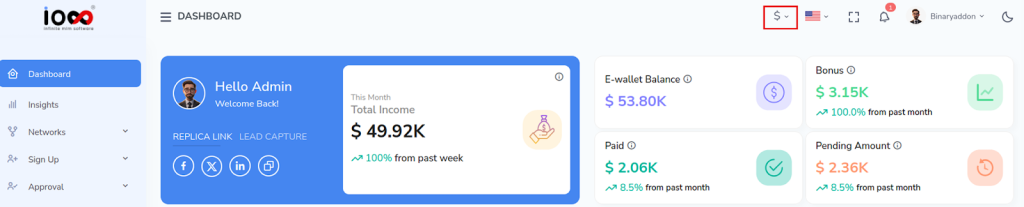
Step 3: Click on the dollar icon to open the list of available currencies.
Step 4: Browse the list and select your preferred currency.
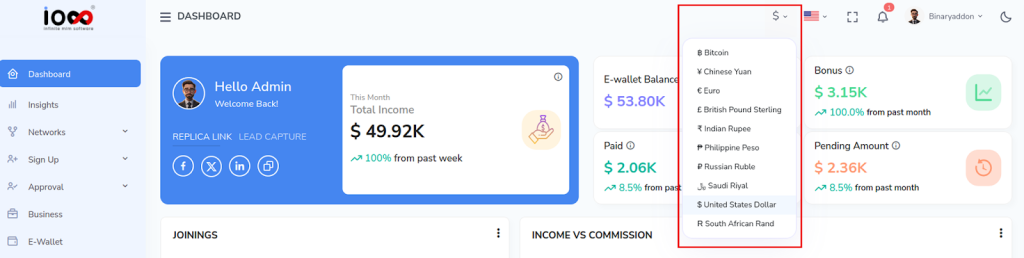
Once selected, the system will automatically update to reflect the chosen currency across the interface.