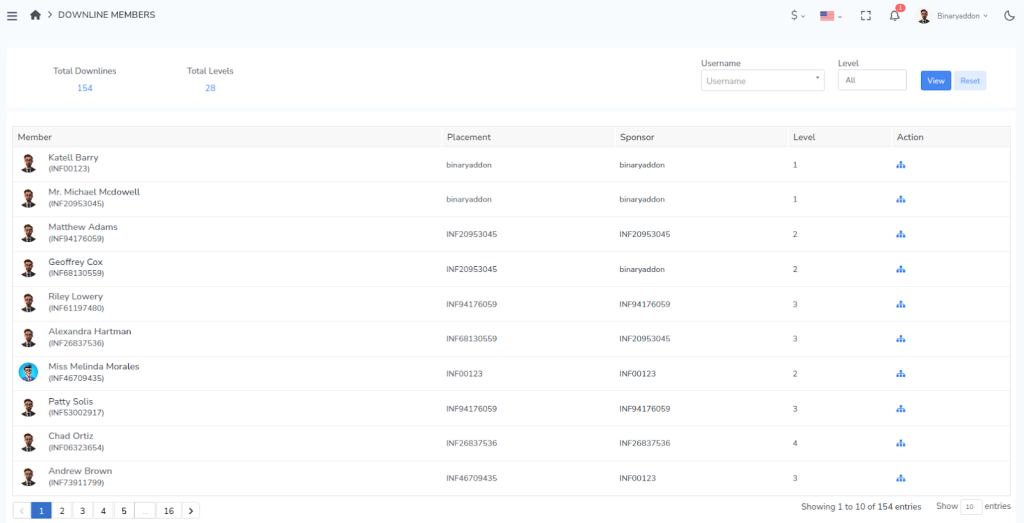
You can view your downline member details using either of the following methods:
Method 1: Through the Genealogy Tree
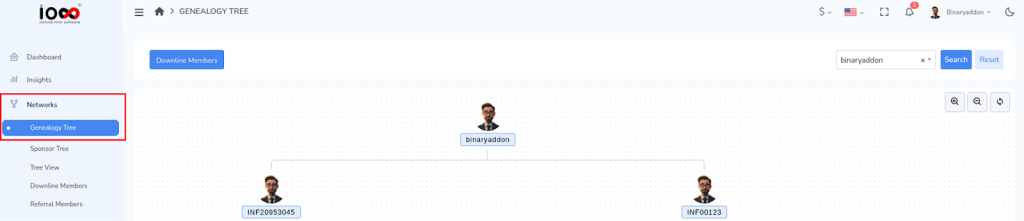
Step 1: Go to Network → Genealogy Tree from the dashboard.
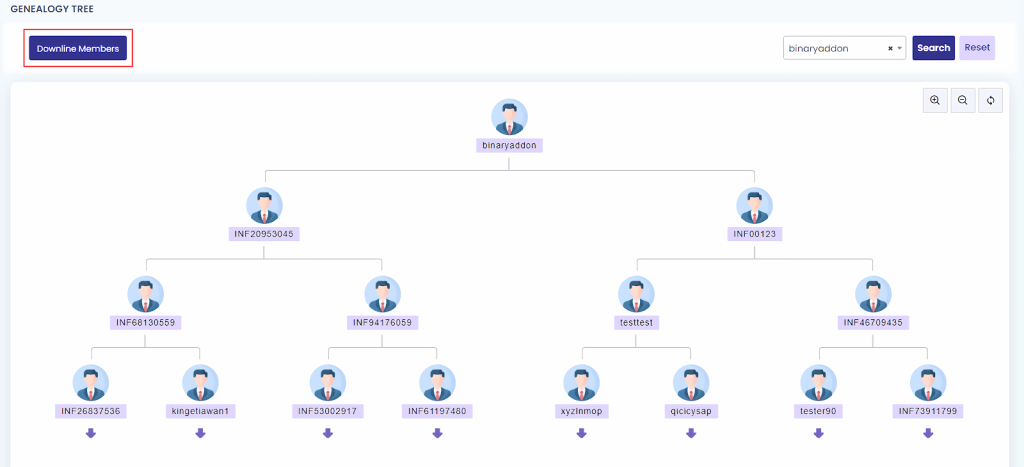
Step 2: In the top-left corner, click the Downline Members button.
You will see:
- Total number of downline members
- Total levels in your network
- Detailed member information
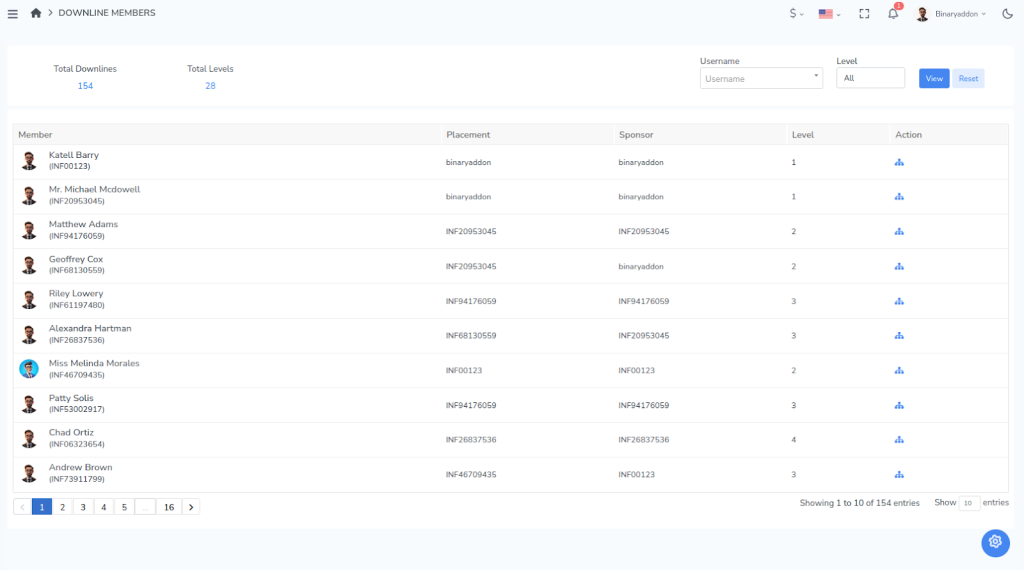
Method 2: Through the Downline Members Menu
Step 1: From the left-side menu, go to Network.
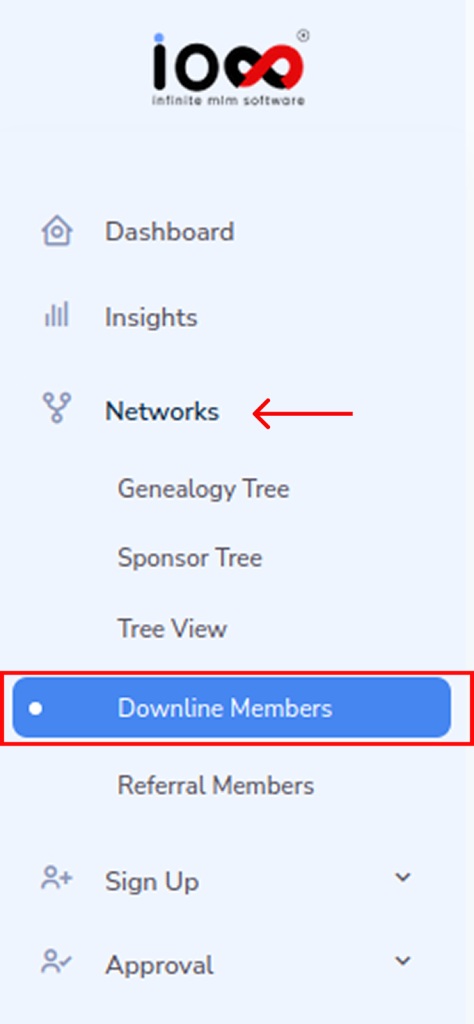
Step 2: Select Downline Members.
A complete list of all members in your downline network will be displayed.