
Step 1: Visit our website and click on Get Started Now from the top left corner.

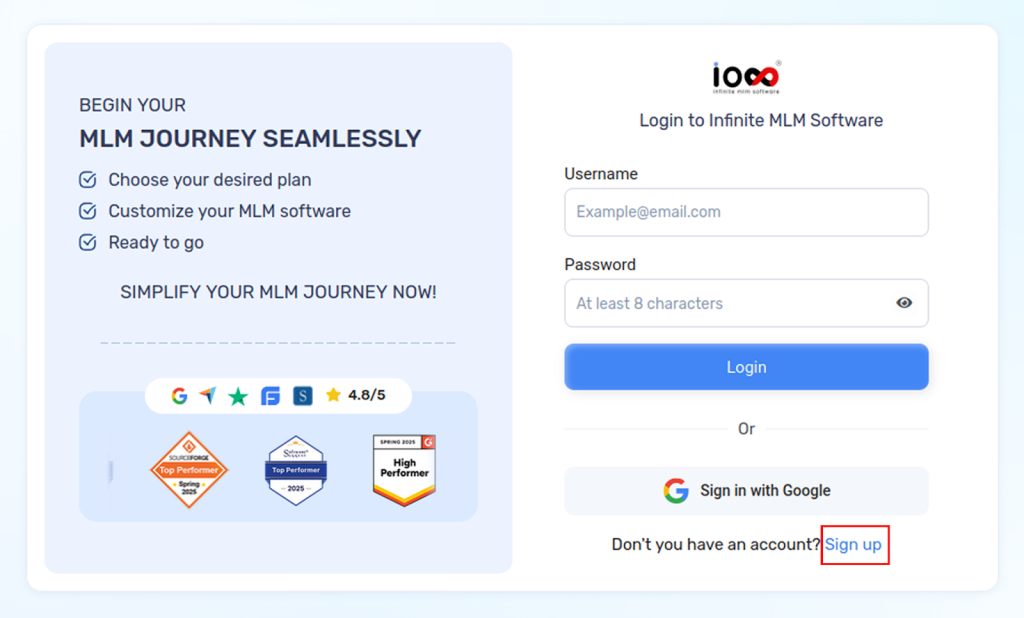
Step 2: In the window that opens, you can either log in or create a new account by signing up. To register your account, click Sign Up.
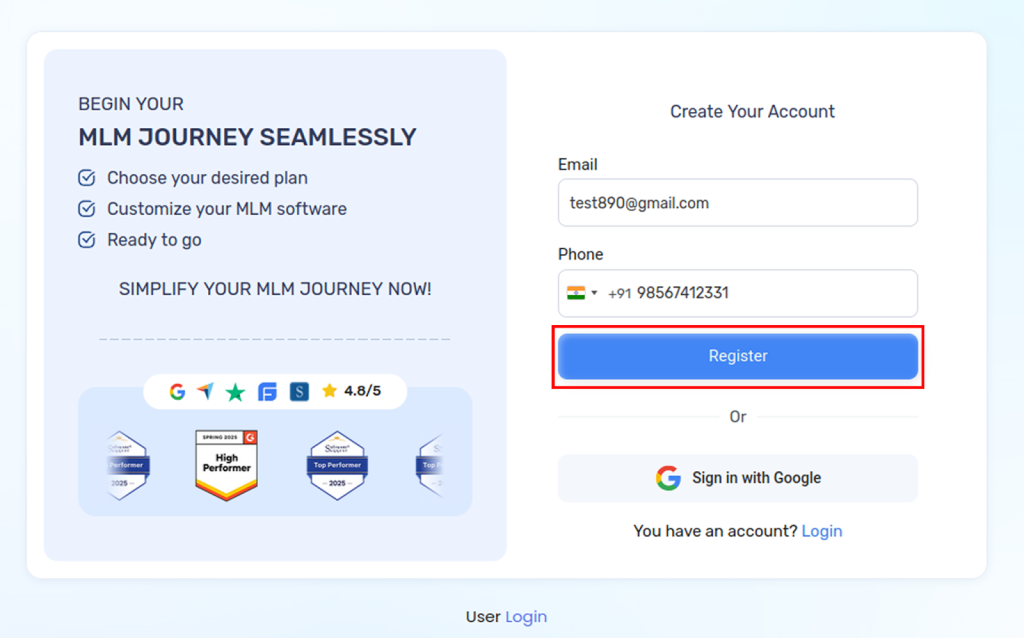
To Register:
- Enter your email address
- Enter your phone number
- Click the Register button
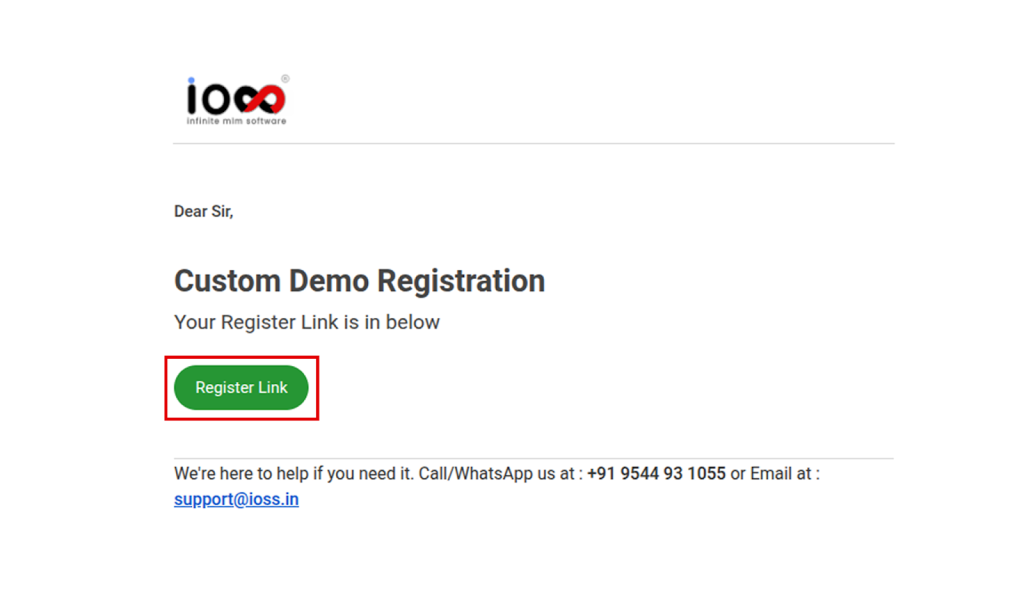
Step 3: Once you’ve registered, a registration link will be sent to your registered email address.
Open the email and click the Register Link button.
Step 4: The Register Link will take you to a page where you can choose the compensation plan you need. Then enter your phone number.
After selecting your preferred plan, click Additional Settings. From there, you can select your preferred add-ons and features.
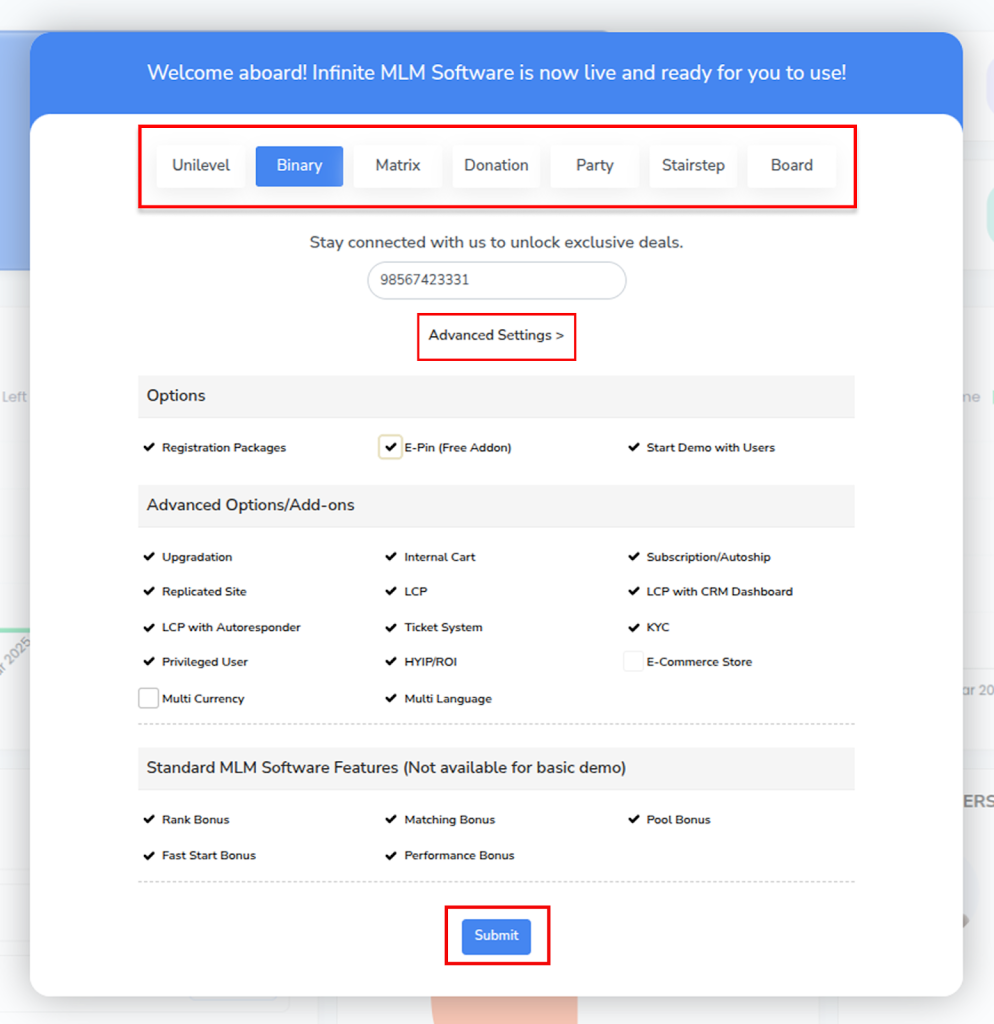
Step 5: After selecting everything click on the Submit button.