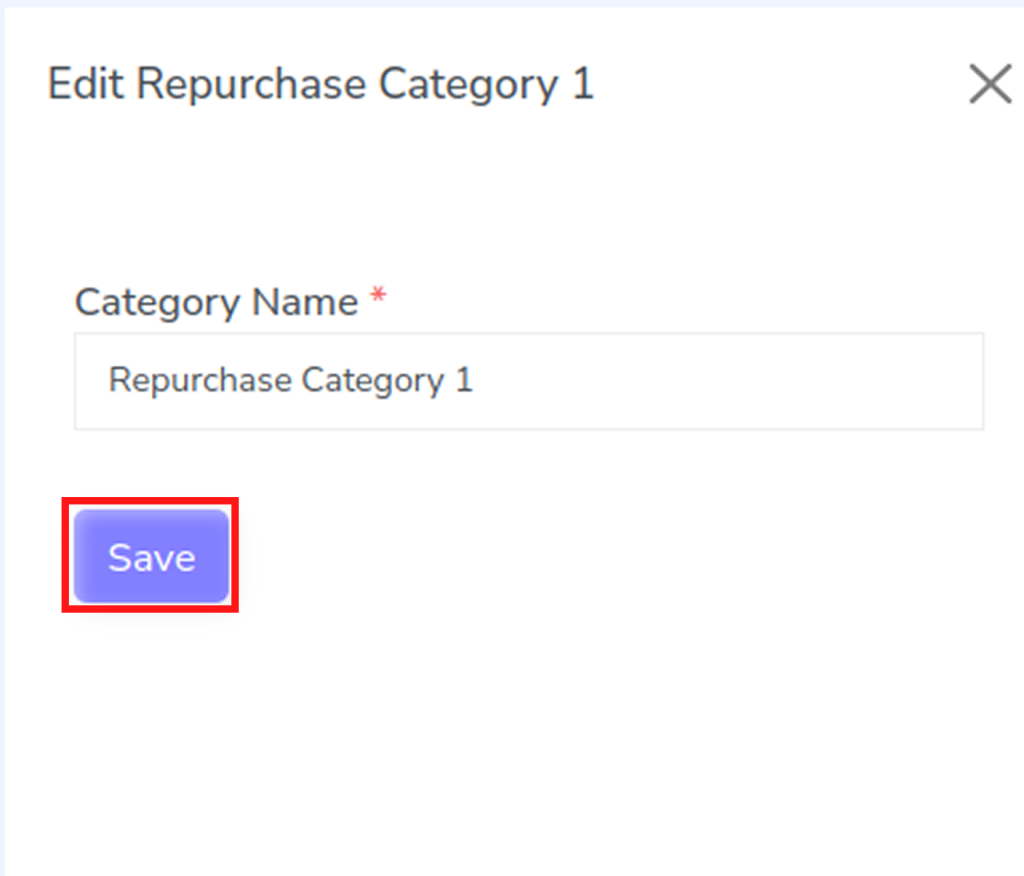
Editing a repurchase category allows you to update category details and keep your product organization accurate and up to date. Follow the steps below to modify an existing repurchase category.
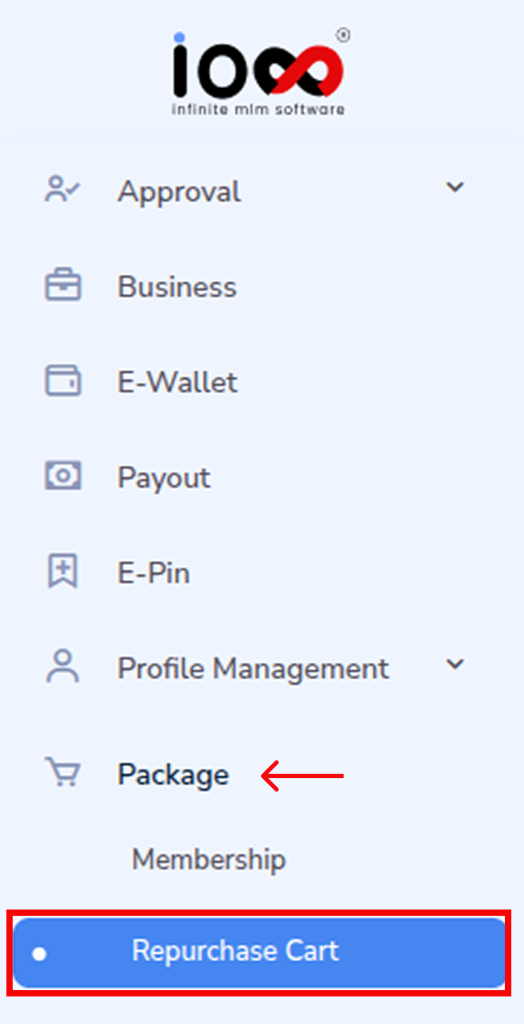
Step 1: Navigate to the Package Section
From the main menu, go to the Package section. This area contains all product-related settings and configurations within the system.
Step 2: Open the Repurchase Cart
Under the Package menu, select Repurchase Cart from the dropdown options. This will open the page where repurchase products and categories are managed.
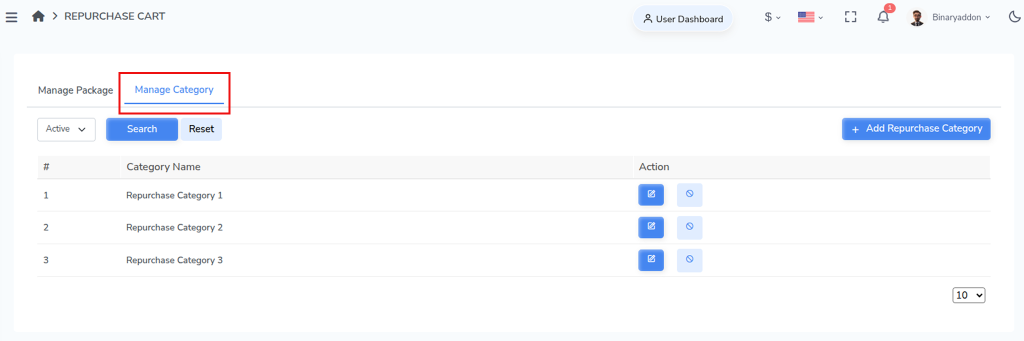
Step 3: Access the Manage Category Section
Within the Repurchase Cart page, locate the Manage Category section. Here, you can view all existing repurchase categories available in the system.
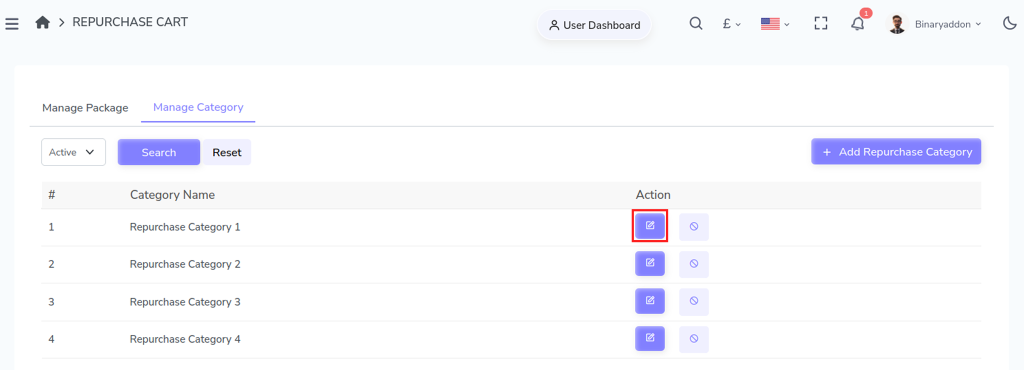
Step 4: Click the Edit Button
Find the category you want to modify and click the Edit button located under the Action column. This will open the category details in an editable popup window.
Step 5: Update the Category Information
In the popup window, edit the Category Name as required. Once you have made the necessary changes, click the Save button to update and apply the modifications successfully.