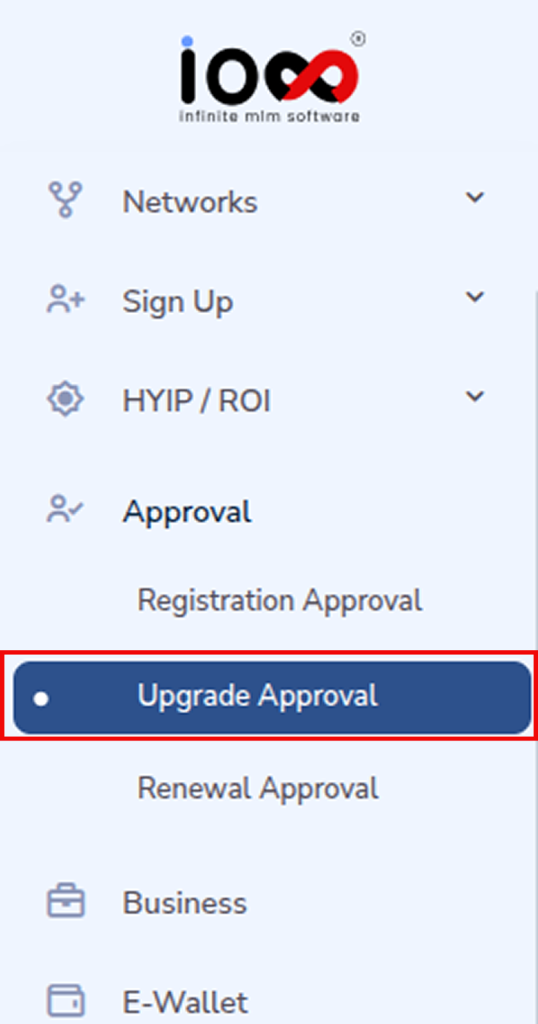
To approve an upgrade request, navigate to the Approval section from the left-side menu and select Upgrade Approval.
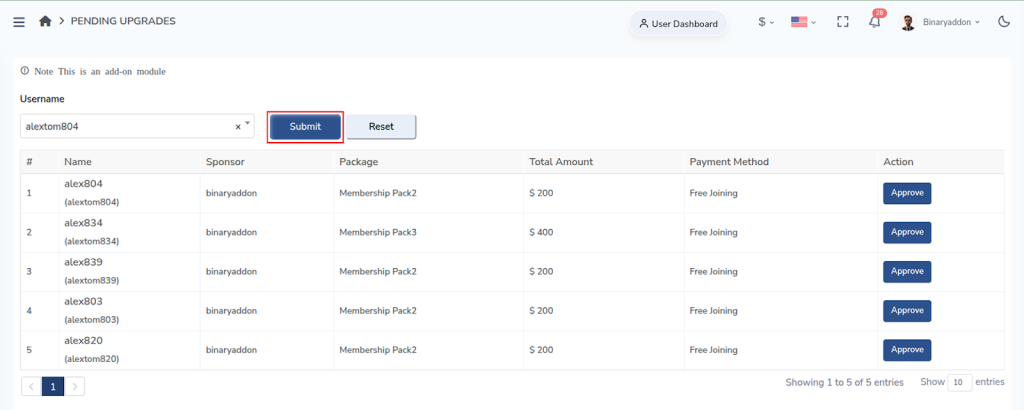
You will see a list of all pending upgrade requests. Enter the username of the member whose upgrade needs to be approved and click Submit on the right side to view the request details.
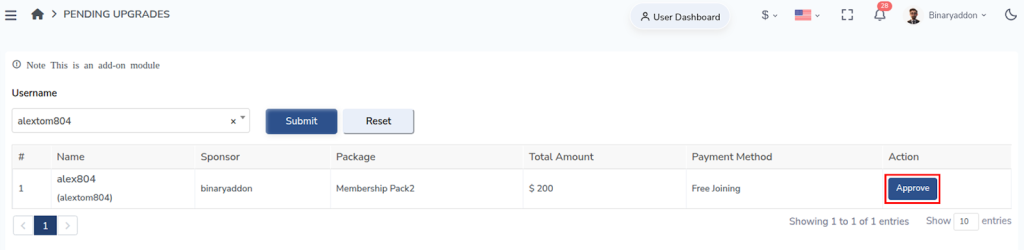
Once the request appears, go to the Action column and click Approve to complete the upgrade approval process.