
In order to filter Business summary, follow these steps:
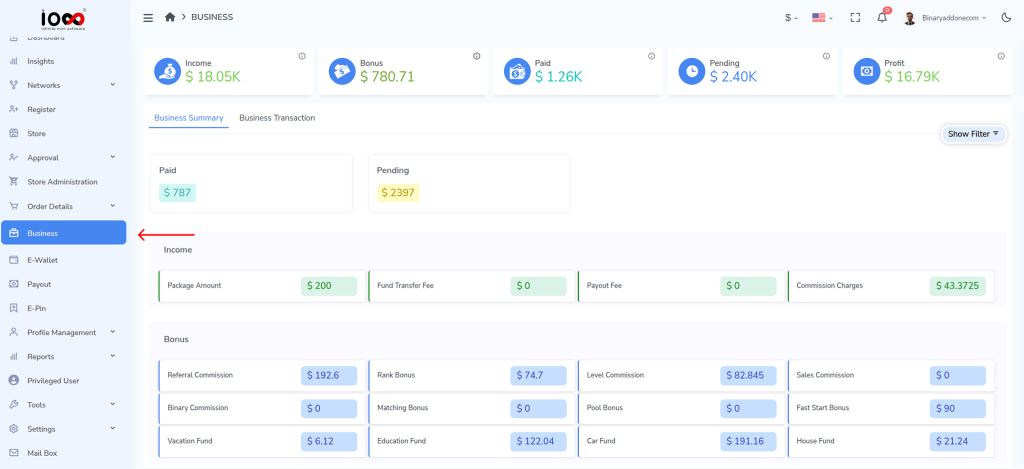
Step 1: Navigate to the left panel and click Business.
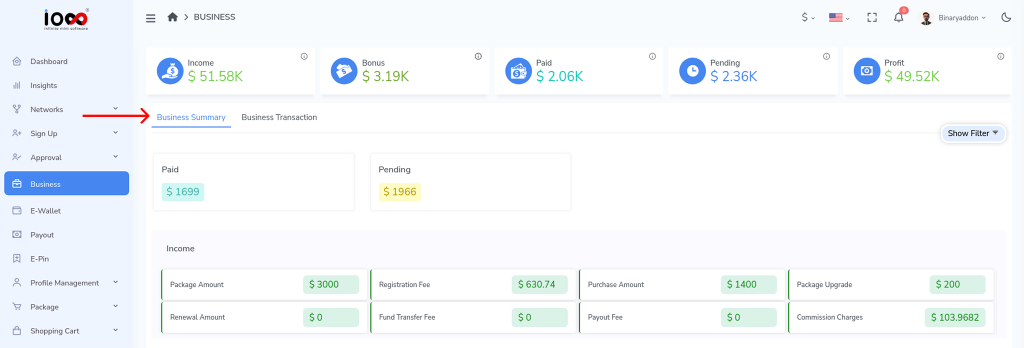
Step 2: Open the Business Summary tab.
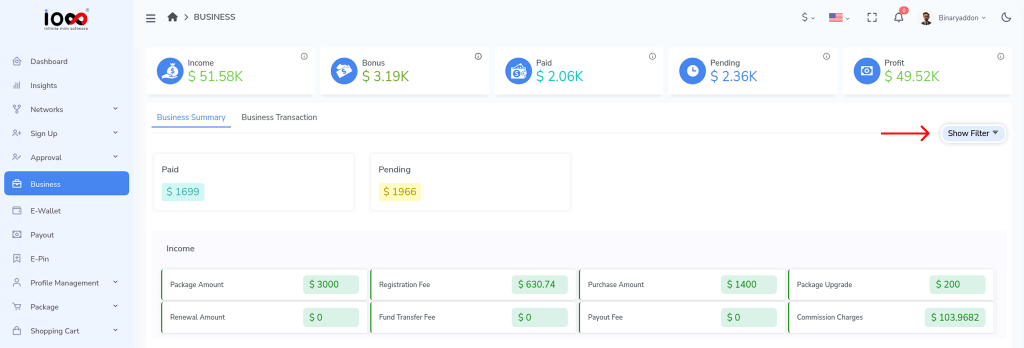
Step 3: Click the Show Filter button.
Step 4: Select a date option from the list:
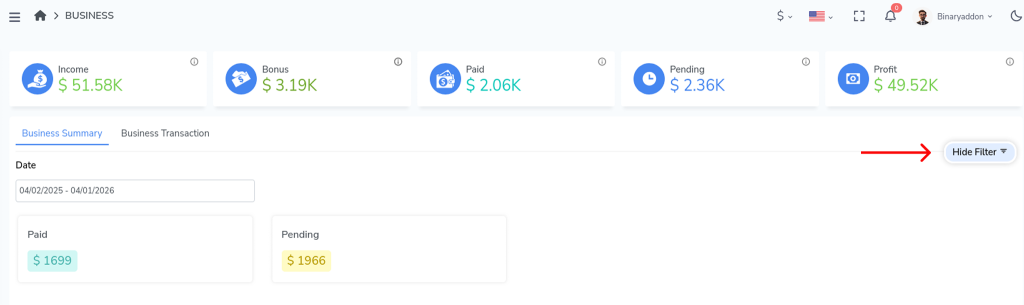
- All time
- Last 30 days
- Last 90 days
- Last year
- Custom range
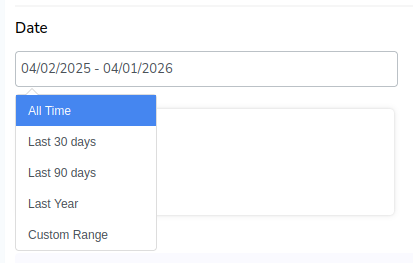
The Business Summary will automatically refresh and display data for the selected date range.