
Managing leads effectively is essential for tracking potential customers and monitoring distributor engagement. The Leads section in your MLM software gives you a centralized view of all prospects and their current status.
Step 1: Navigate to the Leads Section
- Log in to your MLM software dashboard.
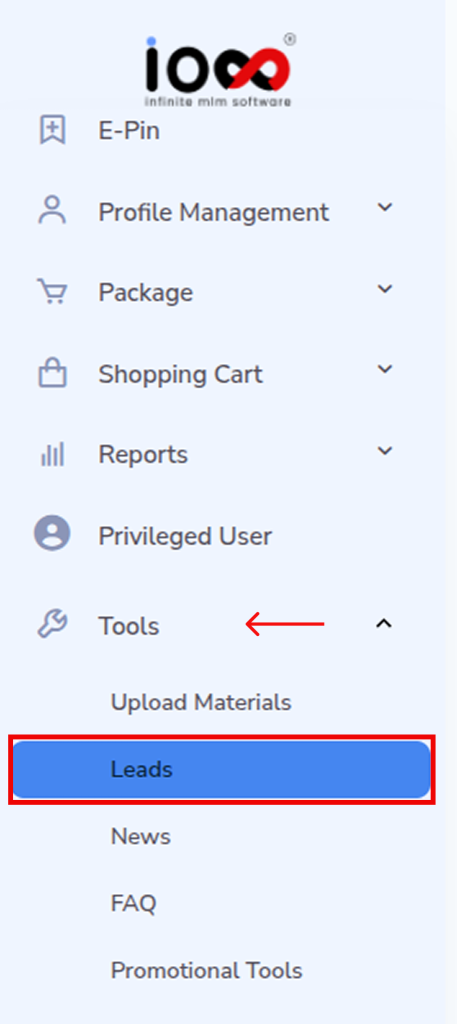
- On the left-side navigation panel, locate and click on Tools.
- From the dropdown menu, select Leads.
This will take you to the Leads management interface where all lead-related data is stored.
Step 2: Access the Leads Dashboard
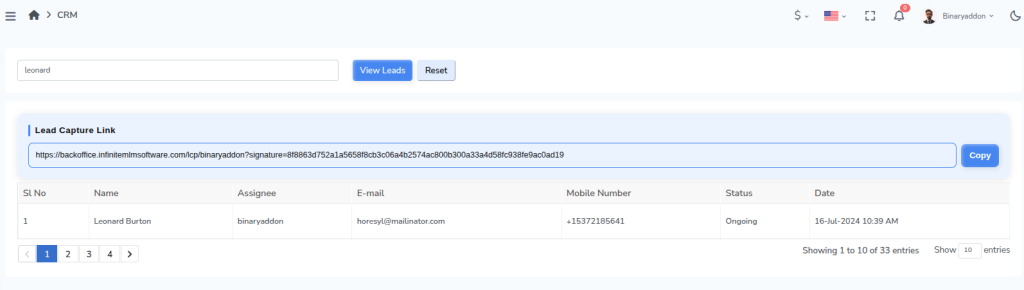
- Once the Leads page opens, you will see a structured table listing all leads.
- This dashboard acts as your control center, allowing you to monitor, manage, and review every lead generated in the system.
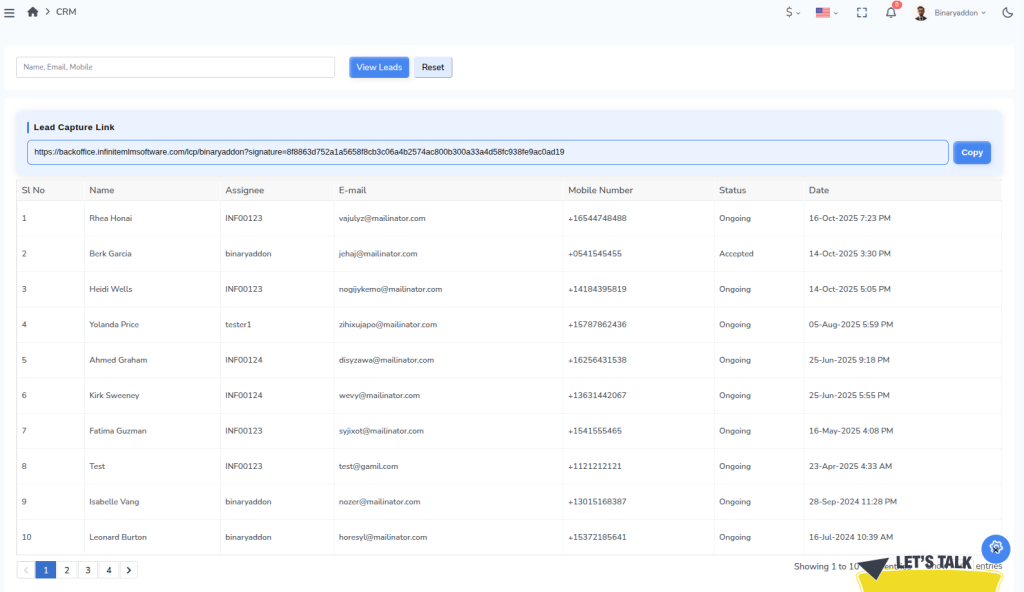
There you can view and copy Lead Capture Link, a unique URL that collects prospect details and automatically records them as leads in the MLM system under the assigned distributor.

Step 3: Understand the Lead Table
Each row in the table represents a lead, along with key details that help you track and manage follow-ups efficiently:
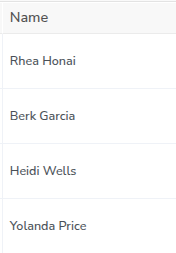
- Lead Name – Identifies the prospect or potential customer.
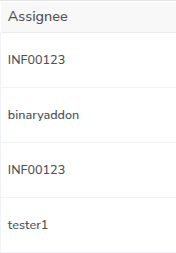
Assignee – Shows the distributor or team member responsible for handling the lead.
Email ID – Helps in initiating email communication and follow-ups.
Phone Number – Useful for direct contact and conversions.
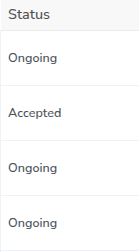
Status (Accepted / Ongoing) – Indicates the current stage of the lead in the pipeline.
Date & Time – Displays when the lead was created or last updated, helping you track activity timelines.
Step 4: Search for a Specific Lead
- Use the search bar available on the Leads page.
- Enter the name of the lead you want to locate.
- Click on the View Leads button.
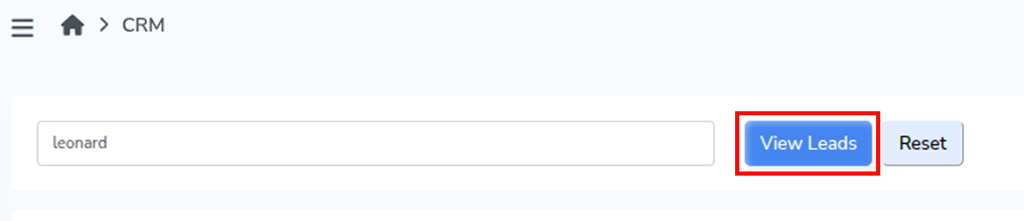
The system will filter and display the relevant lead details, allowing you to quickly access specific information without scrolling through the entire list.
Step 5: Reset the Search Results
- After viewing a specific lead, click on the Reset button.
- This will clear the search input and restore the complete list of leads.

Note: Regularly reviewing the Leads section helps you stay updated on lead progress, identify pending follow-ups, and improve conversion rates by acting on leads at the right time.