
You can quickly locate any sponsor and view their referral network directly from the Sponsor Tree interface.
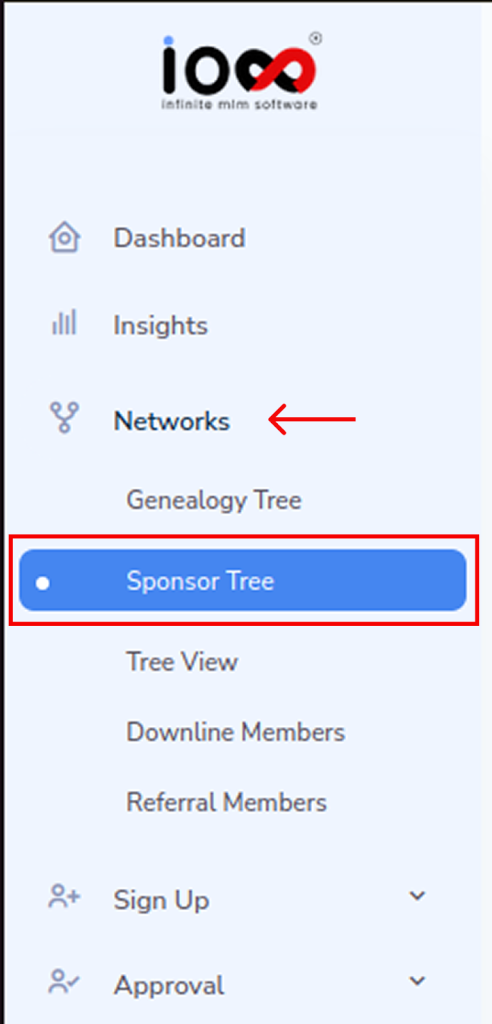
Step 1: From the left-side menu, go to Networks and select Sponsor Tree. This opens the graphical view of your referral hierarchy.
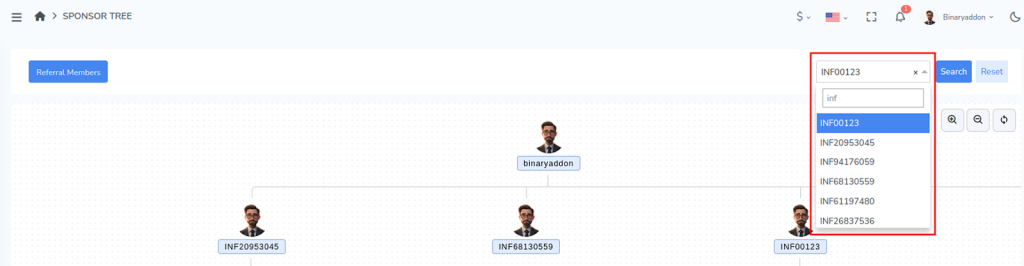
Step 2: In the top-right corner, enter the username of the sponsor you want to locate.
Make sure the username is entered correctly to ensure accurate results.
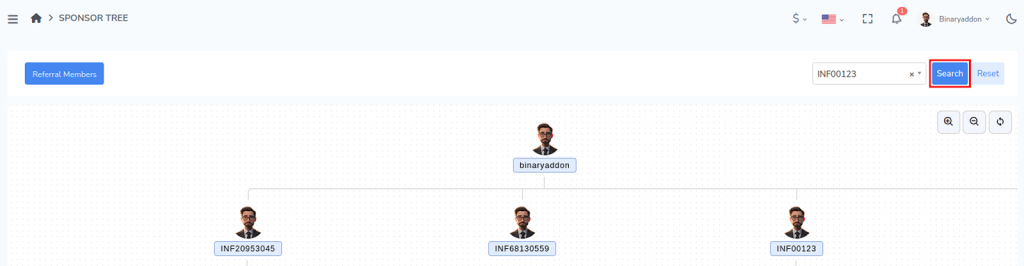
Step 3: Click the Search button.
The system will automatically navigate to the selected sponsor’s position within the network tree and highlight their placement. From this view, you can:
- See the sponsor’s direct referrals
- View multiple levels of their downline structure
- Understand the sponsor’s position within the overall network hierarchy
This feature helps you quickly identify relationships, track referral structures, and analyze network growth without manually browsing through each level of the tree.