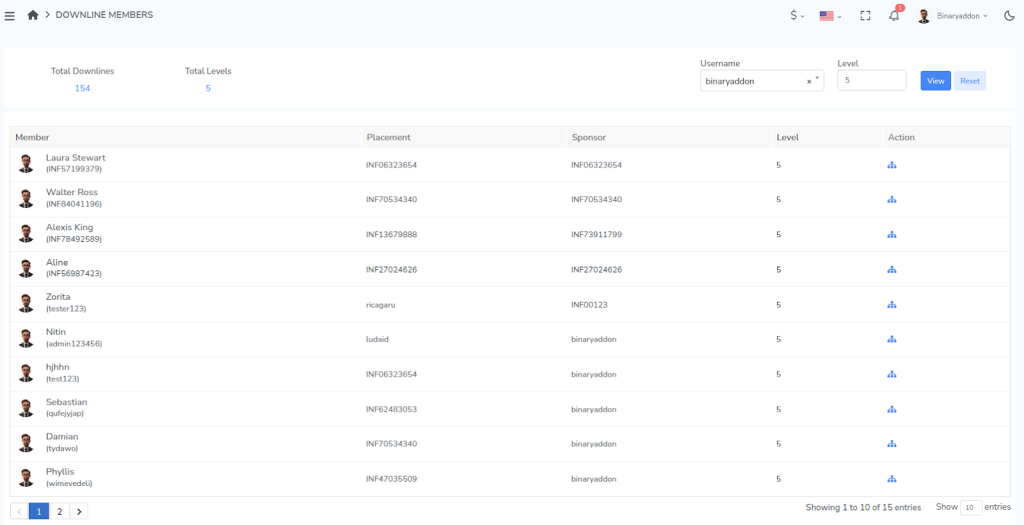
Follow the steps below to locate and view the downline of a specific member in your network:
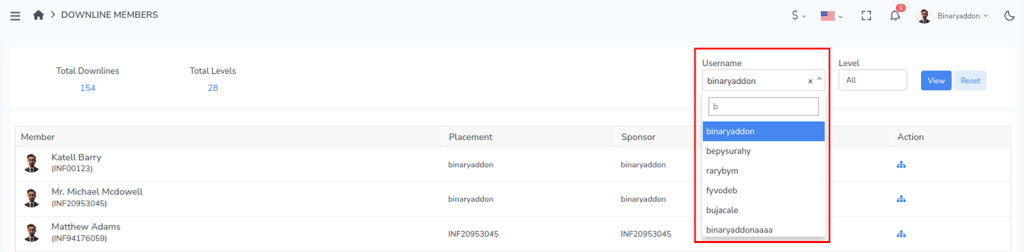
Step 1: Enter the username of the member in the search field provided. This identifies the exact account whose downline structure you want to view.
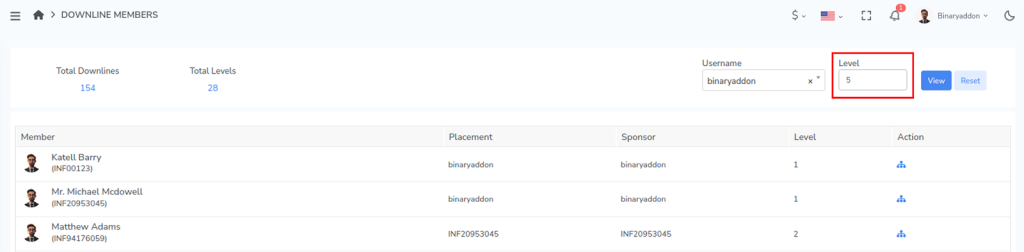
Step 2: Select the level you wish to display.
The level is represented numerically (All, Level 1, Level 2, Level 3, etc.). This option lets you control how many levels of the network you want to view.
Step 3: Click the View button to proceed.
The system will display the selected member along with their downline details based on the level you selected. You can review the member information, network placement, Sponsor and referral hierarchy from this view.
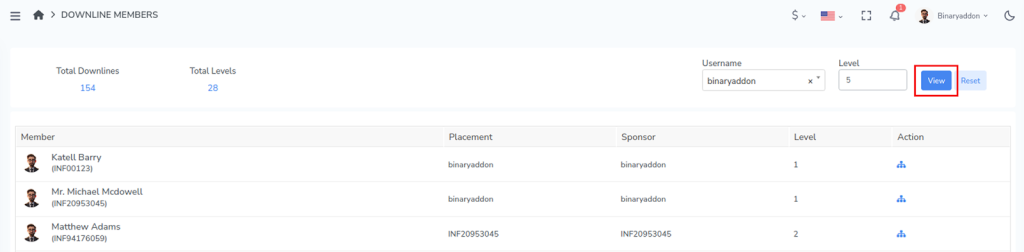
After clicking the view button you can view the details of the particular downline under the user.